Scope note: this shortlist uses public pages for template libraries and presentation tools. It does not claim private template testing or access to paid libraries.
How to rank template sources
Template marketplaces should be judged by what happens after the preview. Can the team edit real copy without breaking alignment? Are fonts and images licensed for the channel? Can non-designers use the template without inventing new layouts? Does the system make approved choices easier than off-brand choices?
The best source for a founder pitch deck may not be the best source for a social campaign library. The right answer depends on workflow, not gallery size.
Shortlist
Canva is best when non-designers need repeatable brand-safe output. It works especially well when a design owner creates Brand Kits and templates, then lets broader teams produce routine assets.
Adobe Express is best for teams already close to Creative Cloud, Adobe Fonts, and Adobe Stock. It is useful for quick branded assets, simple pitch materials, and campaign templates when Adobe access already exists.
Pitch is best for collaborative sales and proposal workflows. It is a presentation workspace first, so it suits teams that need reusable slide modules and shared deck ownership.
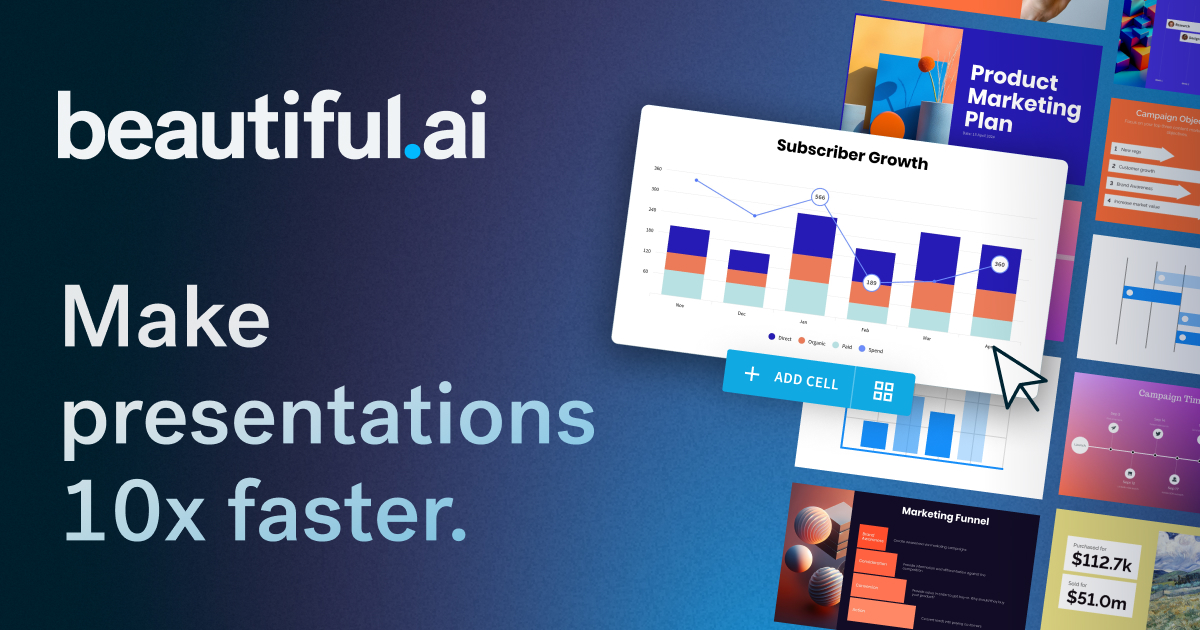
Beautiful.ai is best when the team wants automated slide structure and guardrails. Its smart-slide approach can help smaller teams avoid poorly aligned decks, but brand owners still need to govern theme choices.
Slidesgo and Envato Elements are better as libraries. They provide breadth, but buyers must enforce quality, licensing, and adaptation discipline.
Comparison table
| Source | Best for | Main risk |
|---|---|---|
| Canva | Broad non-designer production | Too many loosely governed templates |
| Adobe Express | Adobe-adjacent branded assets | Treating quick creation as governance |
| Pitch | Shared sales/proposal decks | Requires team adoption |
| Beautiful.ai | Smart slide guardrails | Less flexible for custom systems |
| Slidesgo / Envato | Library breadth | License and quality variation |
Governance model
Approve fewer templates than you think you need. A useful library has a cover, section divider, agenda, comparison, case study, pricing, metrics, quote, and closing slide. Once those work, add campaign-specific modules. Avoid collecting dozens of near-duplicate templates because they make every new deck a design choice.
Verdict
For most lean teams, Canva or Adobe Express handles broad production, Pitch or Beautiful.ai handles deck workflow, and Envato or Slidesgo fills gaps. The important move is not picking a single winner. It is defining which source is allowed for which job.
Internal next steps: read the presentation systems guide, Figma vs Canva, and Adobe Express review before making a template library public.
Building an approved library
The best template source is only half the system. The other half is curation. Pick one owner, create an approved library, and remove templates that are off-brand or too narrow. A good library should be small enough that users can choose quickly and broad enough to cover recurring work.
Start with real content. Replace preview copy with an actual pitch, sales proof, campaign message, or internal update. This exposes weak layouts quickly. Templates that only work with short headlines and decorative charts should not become part of a production system.
Workflow matching
Canva and Adobe Express work best when the output is broad and frequent. Pitch and Beautiful.ai work best when the deck itself is the workflow. Envato and Slidesgo are useful when the team needs a starting point and has enough design judgment to adapt it. Matching the source to the job prevents one library from becoming an all-purpose drawer.
Maintenance rules
Review the library monthly during active campaign periods and quarterly during slower periods. Retire modules with old product screenshots, outdated pricing, expired claims, or overused visual treatments. The goal is not to keep every purchased template alive; it is to keep a small production system useful.
Buyer questions before choosing
Ask who will edit the templates, how often they will be reused, and which formats matter most. A founder updating one pitch deck has different needs from a sales team producing proposals every week. A social team needs fast resizing and brand-safe production. A board-report workflow needs consistency and clear data slides. Template buying should follow those jobs.
Also ask where the source of truth lives. If the brand system is in Figma, the template source should reference those rules. If the team works mostly in Canva, brand kits and locked templates may matter more. If the team is presentation-first, Pitch or Beautiful.ai can become the operating surface. Without a source-of-truth decision, templates multiply faster than teams can govern them.
Review process for a candidate template
Do not review a template with the sample copy. Paste in a real customer quote, a real feature list, real pricing, and a real screenshot. Change the title length. Add a second paragraph. Export the file. Share it with someone outside design. The template that still looks coherent after this abuse is the one worth keeping.
What to document
Document approved template sources, allowed channels, license links, owner, and retirement rules. The retirement rule is important: old templates should leave the library when the brand direction, product screenshot style, or narrative changes.
Final decision test
A template source passes when a real user can make a real asset quickly and the brand owner still recognizes the result. If every output needs design repair, the source is inspiration, not infrastructure. If users can publish without review and quality drops, the source is too loose. The right template system sits between those failures: guided enough to protect the brand, flexible enough to reduce production time.
When possible, keep rejected templates in a short decision log. The log prevents future buyers from repurchasing the same weak pattern and explains why the approved library stays intentionally small.
Template and deck systems checked for the shortlist
Templates are useful only when they preserve brand decisions after the original designer leaves the file. The entries below are the explicit image-backed options used in the article. Each referenced option has a local image, a public source URL, and a practical reason to include or skip it.
| Option | Best use | Main caution |
|---|---|---|
| Canva | best for non-designers who need many repeatable formats with brand-kit support | needs template governance so every team does not fork the system |
| Adobe Express | best for Adobe-adjacent teams that want browser-based campaign and pitch-deck templates | should not replace the upstream design system |
| Pitch | best for collaborative sales, investor, and team decks with workspace controls | template quality still depends on a well-maintained slide library |
| Beautiful.ai | best when teams want guided slide layout and brand guardrails for repeat decks | less flexible for teams that need full manual art direction |
| Slidesgo | best for quick education, marketing, and presentation starting points | requires editing discipline to avoid stock-template similarity |
| Envato Elements | best when deck templates are only one part of a larger design-asset subscription | needs careful project registration and asset archiving |
Canva
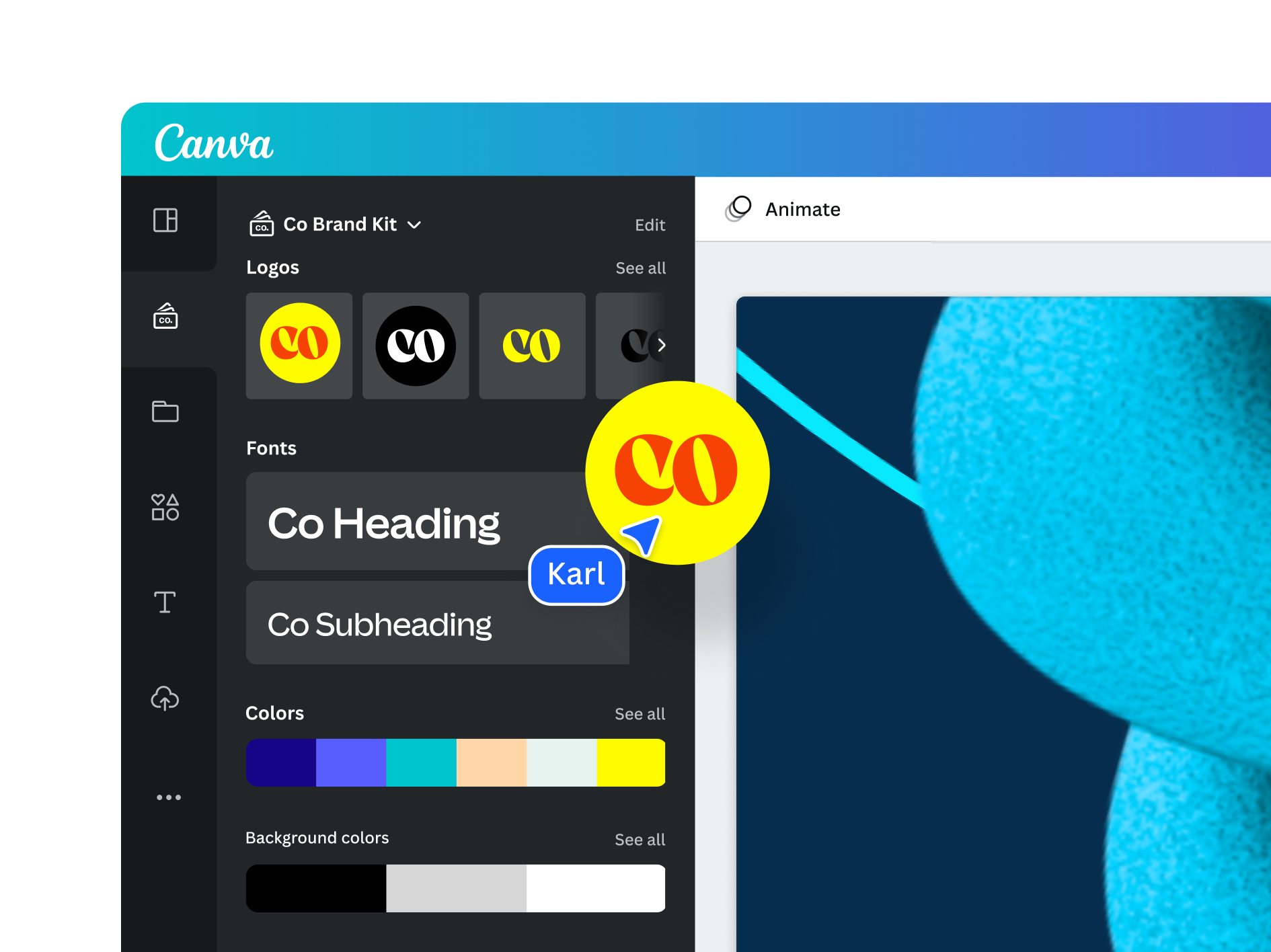
Canva is included because best for non-designers who need many repeatable formats with brand-kit support. The image above is stored locally and tied to the public source page used for this review: https://www.canva.com/pro/brand-kit/.
The main caution is that needs template governance so every team does not fork the system. For content-ops review, this means the article should treat Canva as a specific evaluated option, not as a throwaway example. If the product or agency appears in a shortlist, comparison, or buying recommendation, the page needs a visible asset record and a source trail.
Adobe Express
Adobe Express is included because best for Adobe-adjacent teams that want browser-based campaign and pitch-deck templates. The image above is stored locally and tied to the public source page used for this review: https://www.adobe.com/express/create/brand-kit.
The main caution is that should not replace the upstream design system. For content-ops review, this means the article should treat Adobe Express as a specific evaluated option, not as a throwaway example. If the product or agency appears in a shortlist, comparison, or buying recommendation, the page needs a visible asset record and a source trail.
Pitch
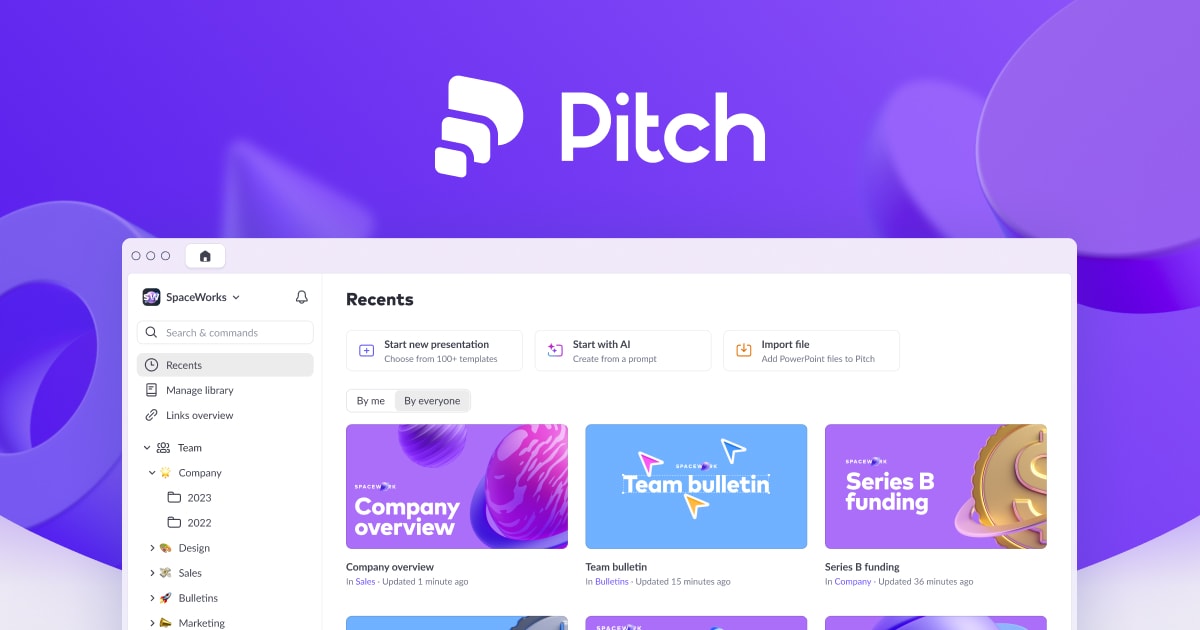
Pitch is included because best for collaborative sales, investor, and team decks with workspace controls. The image above is stored locally and tied to the public source page used for this review: https://pitch.com/pricing/us.
The main caution is that template quality still depends on a well-maintained slide library. For content-ops review, this means the article should treat Pitch as a specific evaluated option, not as a throwaway example. If the product or agency appears in a shortlist, comparison, or buying recommendation, the page needs a visible asset record and a source trail.
Beautiful.ai
Beautiful.ai is included because best when teams want guided slide layout and brand guardrails for repeat decks. The image above is stored locally and tied to the public source page used for this review: https://www.beautiful.ai/.
The main caution is that less flexible for teams that need full manual art direction. For content-ops review, this means the article should treat Beautiful.ai as a specific evaluated option, not as a throwaway example. If the product or agency appears in a shortlist, comparison, or buying recommendation, the page needs a visible asset record and a source trail.
Slidesgo
Slidesgo is included because best for quick education, marketing, and presentation starting points. The image above is stored locally and tied to the public source page used for this review: https://slidesgo.com/pricing.
The main caution is that requires editing discipline to avoid stock-template similarity. For content-ops review, this means the article should treat Slidesgo as a specific evaluated option, not as a throwaway example. If the product or agency appears in a shortlist, comparison, or buying recommendation, the page needs a visible asset record and a source trail.
Envato Elements
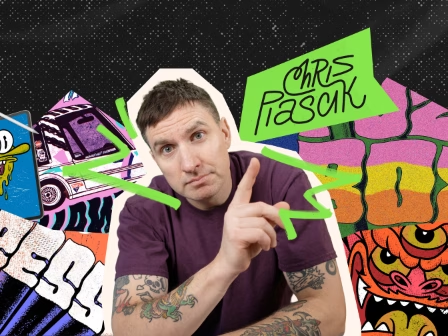
Envato Elements is included because best when deck templates are only one part of a larger design-asset subscription. The image above is stored locally and tied to the public source page used for this review: https://elements.envato.com/.
The main caution is that needs careful project registration and asset archiving. For content-ops review, this means the article should treat Envato Elements as a specific evaluated option, not as a throwaway example. If the product or agency appears in a shortlist, comparison, or buying recommendation, the page needs a visible asset record and a source trail.
Editorial scoring model
This review uses five checks: brand locks, editable handoff, export reliability, team permissions, template refresh cadence. The criteria are intentionally operational. A visually strong resource can still be a poor recommendation if the license is unclear, the file structure is hard to maintain, or the team cannot repeat the workflow without a designer repairing every output.
For a marketing or sales team trying to stop every deck from becoming a one-off design job, the best choice is the one that reduces review cycles while preserving brand control. That means the article weighs source evidence, product or portfolio clarity, handoff quality, and recurring workflow fit. It does not assume that a bigger library, a famous studio, or a lower monthly price is automatically better.
Price and plan details should be checked on the linked official pages before purchase because SaaS packaging and marketplace licenses change. The recommendation here is based on public product positioning, visible documentation, and editorial fit at the time of review, not private testing or negotiated enterprise terms.
Operational notes
Template buying should begin with the repeated job, not with the marketplace. A sales proposal, webinar deck, investor update, hiring one-pager, and product launch carousel all need different controls. The best source is the one that can preserve those controls through repeated editing.
Buyer discipline
Before approval, inspect the actual file structure. Good templates use named styles, consistent spacing, editable components, and logical section breaks. Weak templates look good in previews but fall apart when a user changes copy length or swaps images.
Field test
A mature team keeps a template register: approved source, license, owner, last review date, allowed use, and the reason the template exists. That register keeps old campaign experiments from becoming unofficial brand assets.
Procurement and rollout workflow
Start with a written use case. Name the output, owner, deadline, approval path, and channels where the asset or service will appear. That single paragraph prevents vague buying: the team is no longer asking whether a tool is good in general, it is asking whether the tool solves a real production job.
Next, save the evidence. Keep the source URL, downloaded image or screenshot, license page, pricing page, and a note about why the option was considered. For design resources, this record is as important as the final recommendation because rights and file provenance often become questions months later.
Then run a small production test. Build one real asset, deck, campaign frame, or handoff package. Ask the reviewer to score output quality, editing friction, brand consistency, and compliance confidence. If the answer depends on heroic manual cleanup, the option is not ready for broad adoption.
Finally, set a review date. Subscriptions need renewal checks; agency relationships need phase gates; fonts and templates need usage audits; and design tools need owner reviews when the brand system changes.
Risk register
The first risk is overbuying. A large catalog, famous studio, or polished template can make the team feel safer while creating more assets to govern. The fix is a narrow acceptance test: identify the exact job the option must perform and reject anything that cannot show value there.
The second risk is license drift. Files move from experiments into production, contractors reuse assets, and teams forget which plan or license covered the original download. Keep a license archive beside the working files, not in a separate inbox. Include the receipt, source URL, image file, and a short allowed-use note.
The third risk is brand drift. Tools that help non-designers move faster also help them create off-system work faster. Templates, brand kits, and agency handoffs need named owners. Without ownership, the approved system decays into duplicated files and local exceptions.
The fourth risk is stale evidence. Public product pages and pricing pages change. Revisit the linked sources before a renewal, a new client use, or a major campaign launch.
Final recommendation
Choose a workflow system first, then a marketplace. A beautiful template that cannot be governed is worse than a plain template that survives repeated edits.
The practical decision rule is simple: choose the option that makes the next production cycle clearer. If the team can explain the use case, confirm the rights, produce the asset, and hand it off without hidden cleanup, the choice is defensible. If the choice only looks attractive because the preview is polished or the deal is urgent, keep it out of the standard workflow.
Internal next steps: compare Figma vs Canva, template marketplaces, font licensing checklist, mockup and asset libraries, and design subscription deal checks when the decision touches more than one part of the creative stack.